How to adjust bike headset play
How to check and adjust bike headset play: the brake test, threaded and threadless headsets, torque values and mistakes to avoid.
By the Velunite editorial team
~40 min · Difficulty: medium · Brands: Tutte le marche · Published on 23 November 2026
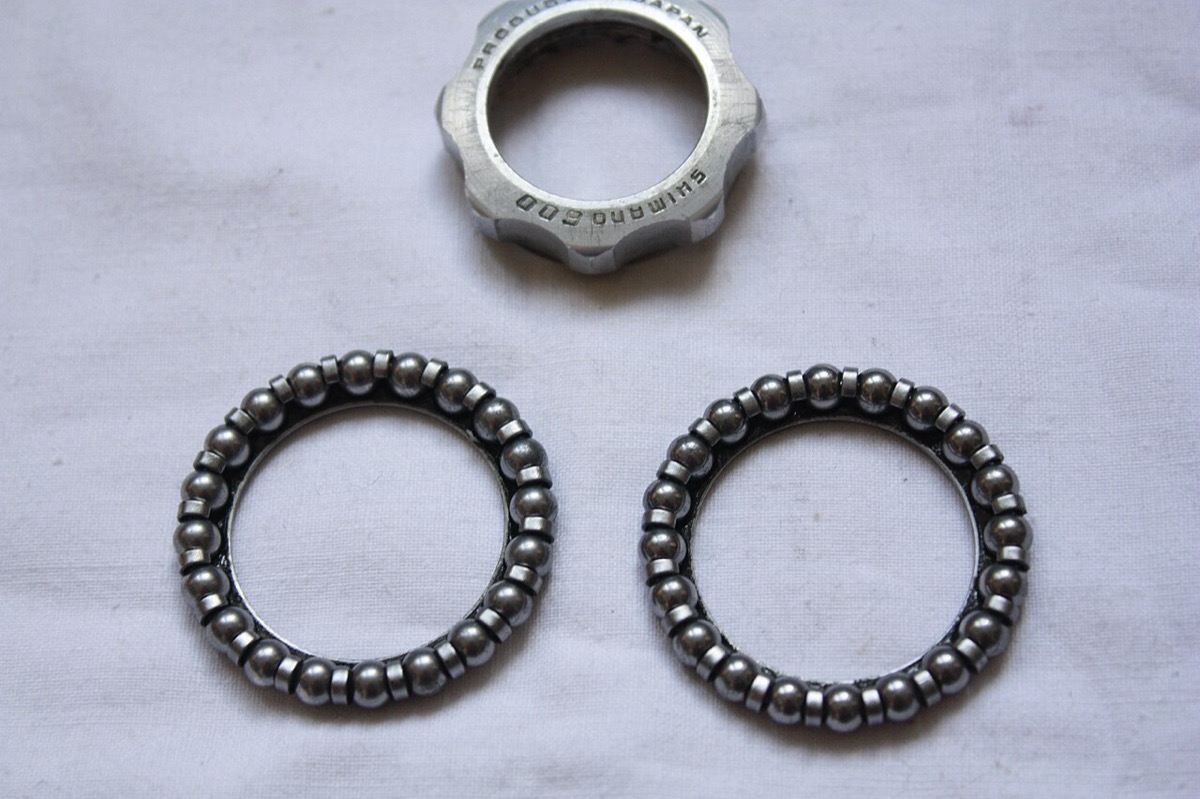

If the handlebar clicks, rocks when you brake or the fork seems to move against the frame, the headset has play. The check takes two minutes and the adjustment needs only a few tools. But tightening too much destroys the bearings, and loosening too much makes the steering unstable. The bars must stay still fore and aft and turn freely. The job takes 20 to 40 minutes, depending on the headset type.
Tools you need
- Allen key for the top cap and the stem bolts
- Open-end spanner of 30, 32, 36 or 40 mm for a threaded headset: the size depends on the bike
- Torque wrench, with the values from the manual
- Bearing or headset grease
- Cloth and degreaser
- Workstand or a helper to hold the bike
Step by step
Identify the headset type
On modern bikes with a threadless stem, there is a top cap above the stem with a bolt in the centre. On threaded headsets, common on older or city bikes, there is a locknut and an adjusting ring below the stem, above the fork. If you are not sure, check the bike manual: the adjustment is different in the two cases.
Do the play test
Hold the bike on a workstand or ask a helper to hold it. Lock the front brake and push the bike back and forth: one hand on the bars, the other near the fork. If you feel a knock or see the fork move against the steerer tube, there is play. Then turn the bars: they must rotate freely, without sticky spots or clicks.
Loosen the system
Loosen the stem clamp bolts on the steerer tube slightly, without removing them. On threaded headsets, also loosen the locknut above the adjusting ring. Loosen a little at a time: the stem must stay attached to the fork and the fork must not come away from the frame.
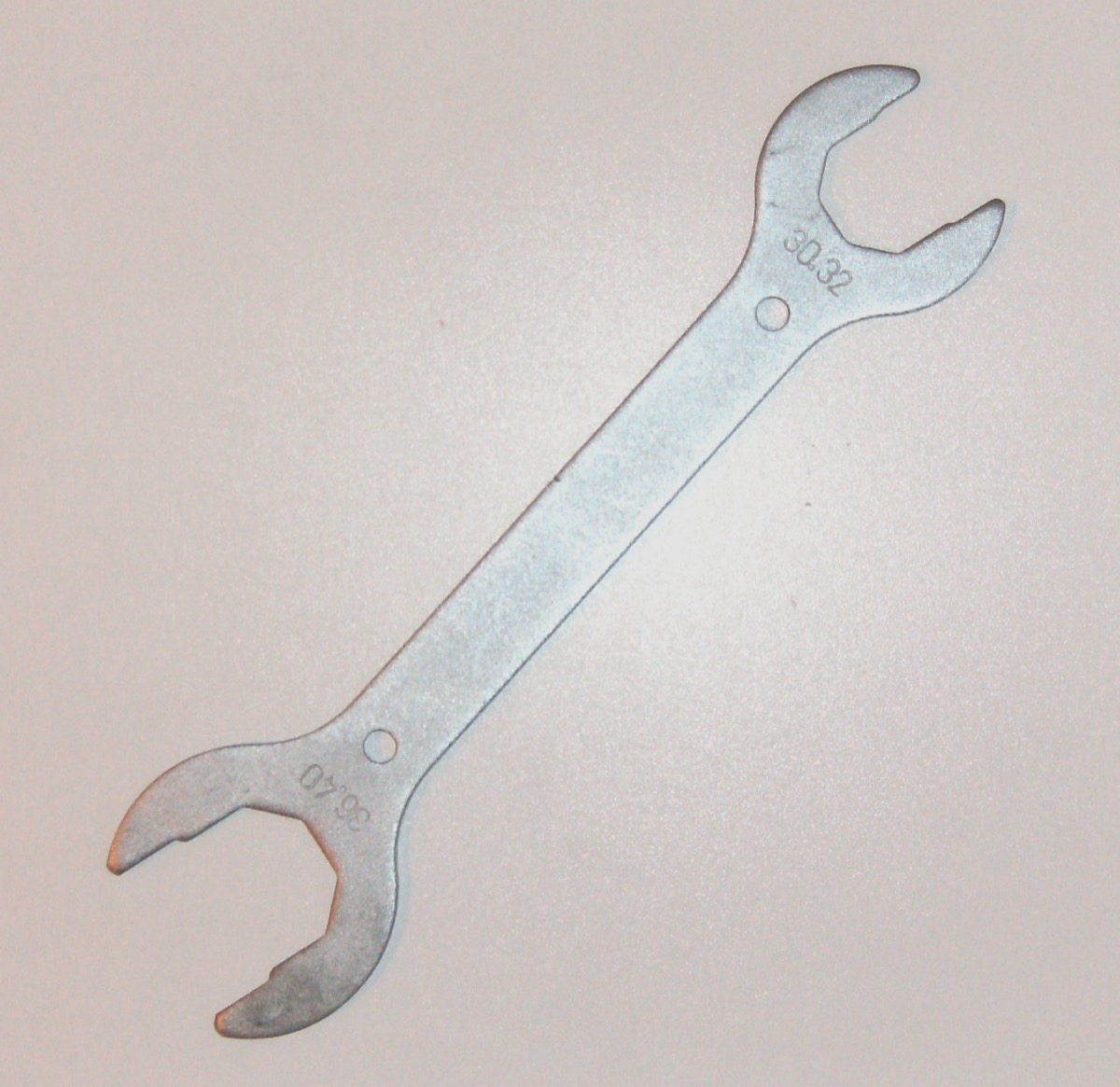
Headset spanner for threaded headsets, sizes 30/32 and 36/40 mm. Photo: Singlespeedfahrer, CC0, Wikimedia Commons Adjust the play
Threadless: tighten the top cap bolt in small steps, about a quarter turn at a time, until the play is gone but the bars still turn freely. Threaded: with the open-end spanner, turn the adjusting ring below the locknut in small steps until the play is gone. Repeat the test from step 2 after each step.
Retighten in the right order
Threadless: with the front wheel straight and the bars aligned, tighten the top cap bolt first, then the stem bolts, to the manual's torque values. Threaded: hold the adjusting ring with one spanner and tighten the locknut with the other, then tighten the stem clamp. Do not force it: too much torque deforms the tube and wears the bearings.
Check play and rotation
Repeat the test: the play must be gone. The bars must turn freely and return straight when the wheel is straight. If the bars stay crooked, check the stem alignment before adjusting the headset again.
Test ride on a safe road
Ride at low speed on a quiet road. Brake and take slow corners. If you feel a knock under braking or the bars lock in a corner, stop and check again. Do not ride a descent until the adjustment is right.

Mistakes to avoid
- Tightening the top cap fully at once: the headset locks and the bearings wear quickly.
- Doing the test without locking the brake: wheel play gets mixed up with headset play.
- Tightening the stem before adjusting the headset: the bars move and the adjustment is wrong again.
- Ignoring crooked bars: if they are not aligned with the wheel, the adjustment will not hold.
- Forgetting the locknut: after a few rides the adjusting ring loosens.
Frequently asked questions
My handlebar clicks when I brake. Is it the headset?
Not always. First check the stem bolts, the lever bolts and the brake caliper. A noise under braking often comes from dirty pads or a bent disc. If the play is gone after adjusting and the noise remains, also check the hub and the spokes.
When should I replace headset bearings?
If the bars feel rough, stick at one point or click even after adjusting, the bearings are worn or dirty. Remove the headset, clean it, grease it and check the balls or bearings. If the races are pitted or rusty, replace the headset.
What torque should I use on the stem bolts?
There is no single value: it depends on the stem and the bike. The value is usually printed on the stem or in the manufacturer's manual. If you cannot find it, do not tighten by feel: ask a workshop.
Track chain wear, pads and tyres for every bike in Velunite: see when chain and pads need checking.
Open My bikes